> For the complete documentation index, see [llms.txt](https://docs.substancex.io/llms.txt). Markdown versions of documentation pages are available by appending `.md` to page URLs; this page is available as [Markdown](https://docs.substancex.io/tutorials/referrals.md).
# Referrals
By Referrals, you have the opportunity to earn up to a 40% commission rebate on trading fee.
### Inviting Friends
1. Generate your referral code
1. Click on the settings icon.
2. Click on "+ Add Code."
3. Set referral rate.
4. Input note.
5. Confirm Addition.
2. Share your referral code with your friends in an appropriate manner.
### Bind referral code
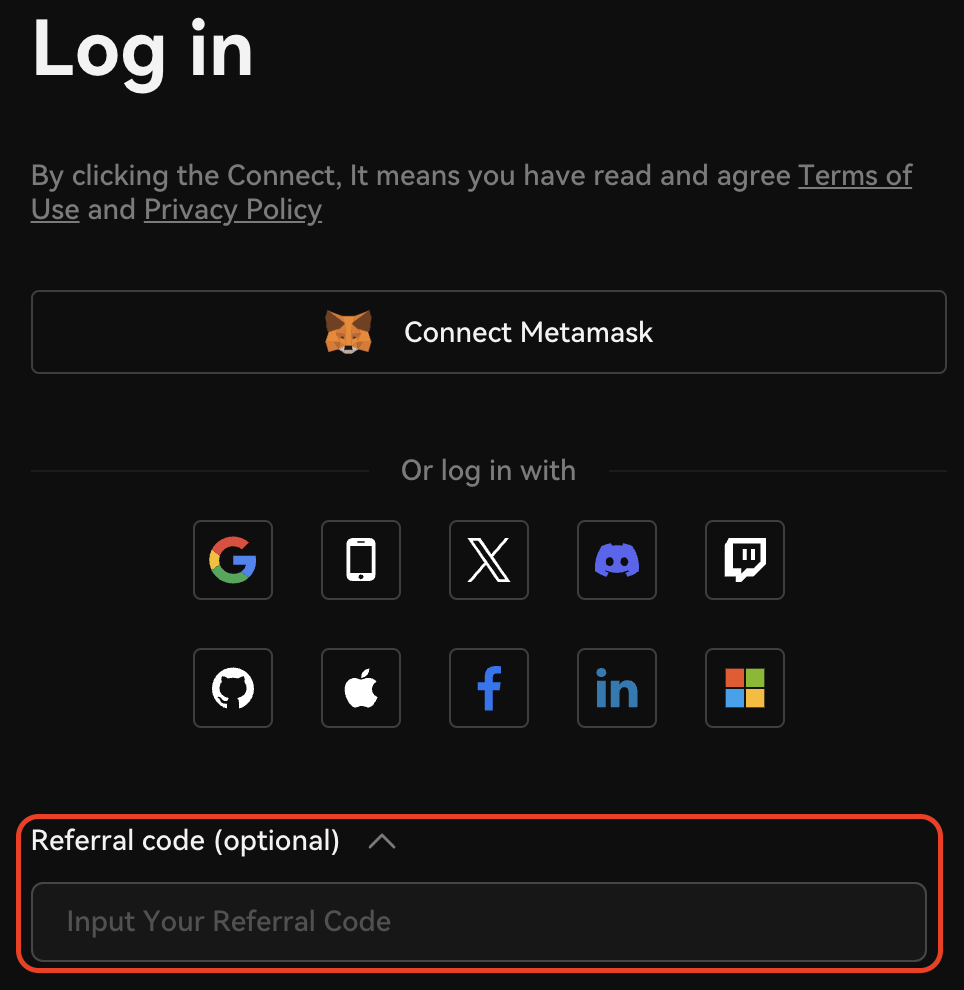
* You can bind a referral code during login.
* Alternatively, you can click the bind button on the right side of the page.
> **Please note that, an account can only be bound to one referral code, and this cannot be changed later.**
### Referral Dashboard
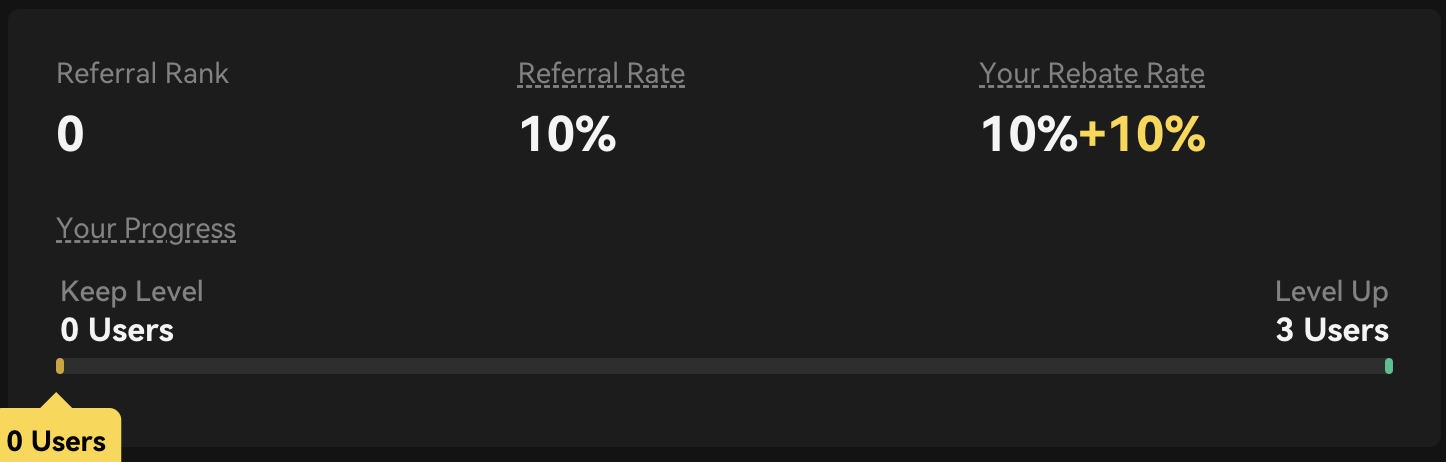
You can view your referral rank, referral rate, and the rebate rate you are enjoying on the referral dashboard. Additionally, you can monitor the progress of your referral rank upgrades.
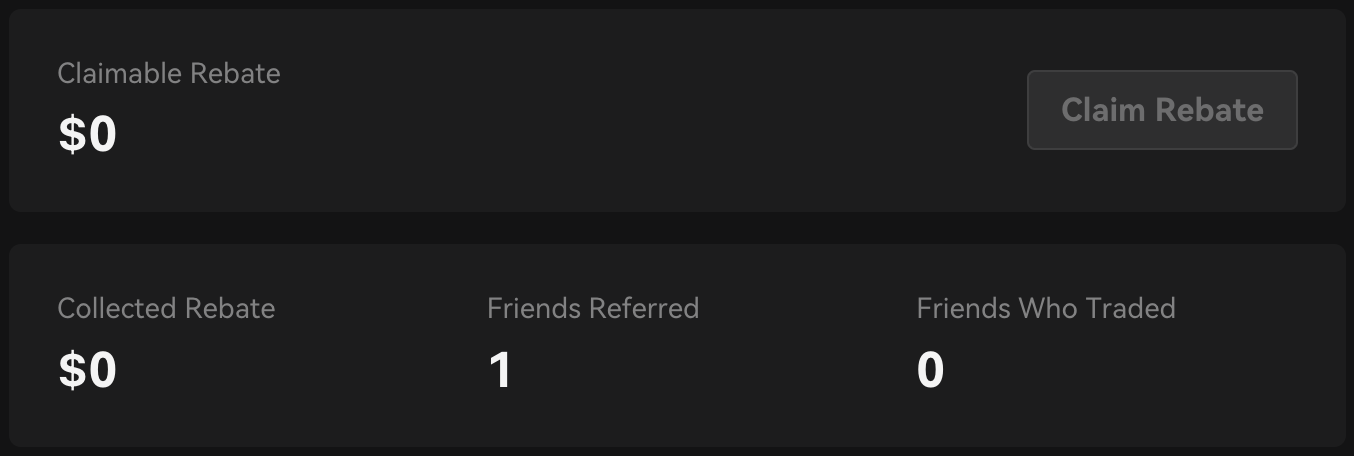
You can also click "Claim" on the right side to receive the earned referral income.
The transaction volume of referred friends, as well as the rebate they have earned, is displayed below.\
\